Liveness detection
Active and passive liveness checks, iBeta-certified at PAD Level 1 and Level 2 under ISO/IEC 30107-3.

Make sure a live person is behind every remote verification, not a photo, mask, replayed video, or AI-generated fake

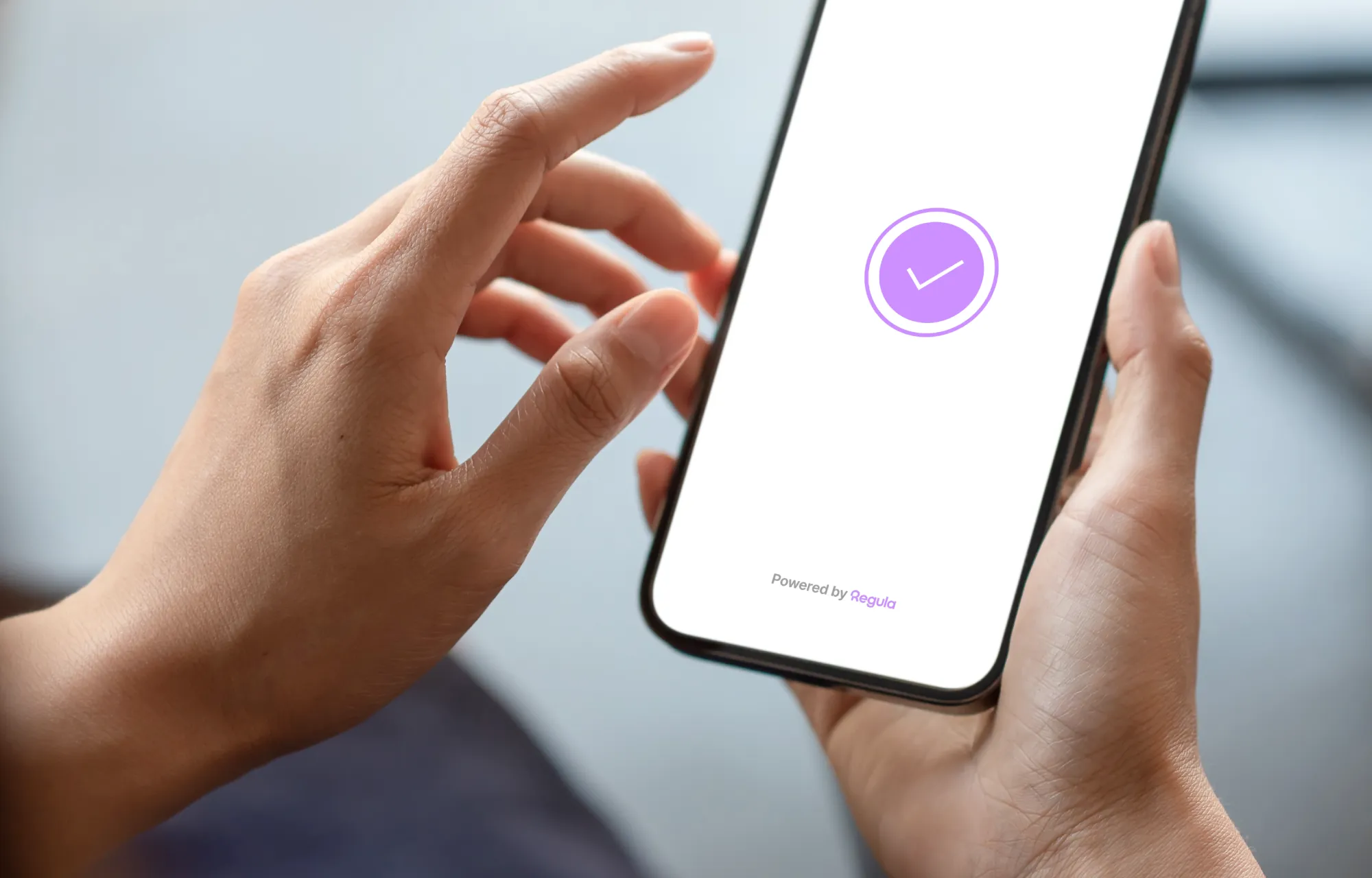
Regula’s liveness detection SDK stops spoofing attempts while keeping remote verification fast and easy for genuine users
Detect spoofing attempts before access is granted
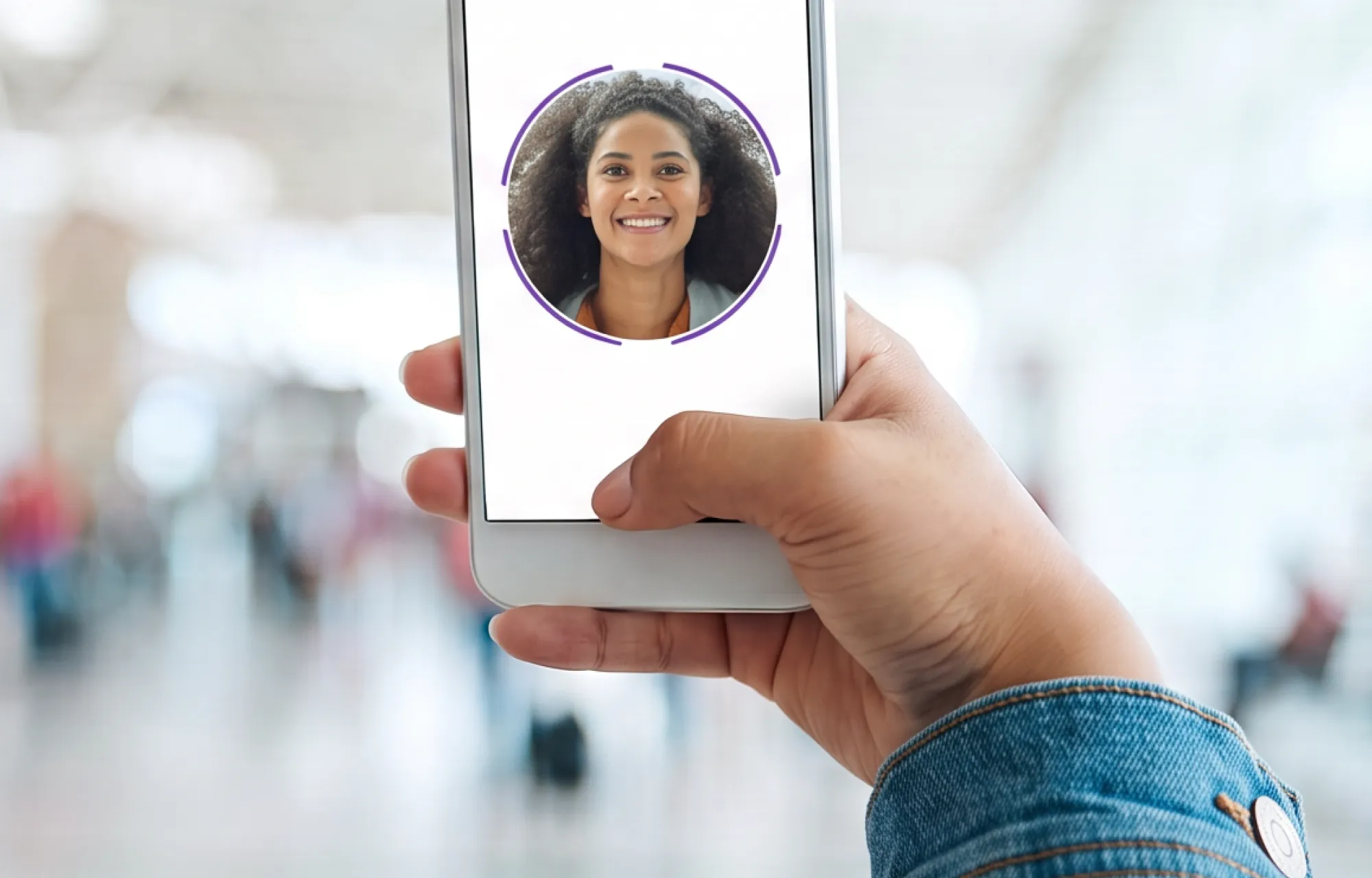
Confirm live presence in seconds without unnecessary friction
Integrate liveness detection across web and mobile or within your own infrastructure








PAD Level 1&2 ISO 30107-3
Top 3 FRVT age assurance
Privacy by default
ISO 9001
.webp)
BSI TR-03105 Teil 5.1
BSI TR-03105 Teil 5.2
Regula’s liveness detection technology helps detect a wide range of presentation and injection attacks:
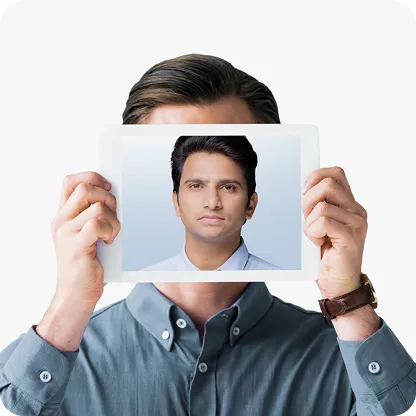
static images held up to the camera

video played from a phone or tablet
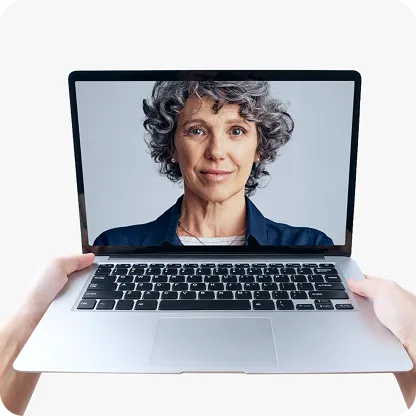
synthetic video fed directly into the camera stream
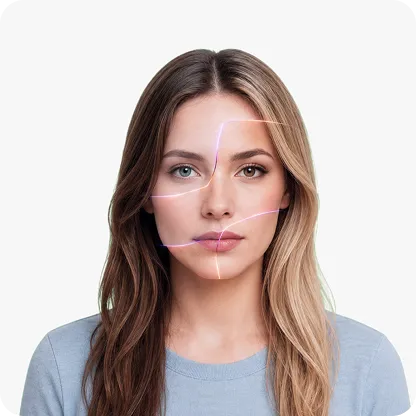
faces created or swapped using generative models
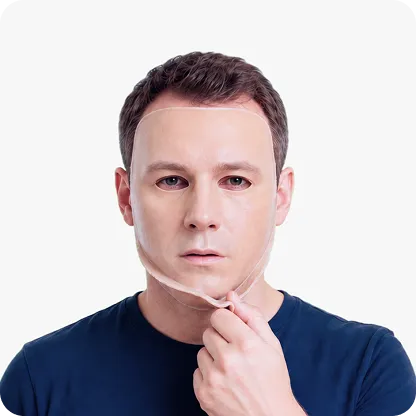
physical forgeries designed to fool depth sensors











As part of our strategy to fully digitize the airline, we aim to provide a seamless travel process for our guests. The digital and contactless procedure, which includes online check-in anywhere, anytime with a mere click of a button, is a strong way to restore confidence in air travel. The solution provided by Regula greatly complements our overall vision to become a leading travel and lifestyle super app and our transformation strategy to automate across all key customer touch points.
We used Regula to support us in the challenging task of migrating thousands of our customers to the new network. The tool was very reliable and delivered as per the expectations. We are using Regula SDK for activating new customers, network portability, sim change, and many other operations. Our team is relying on the Regula tool in many of our processes and this has resulted in disabling the manual editing of the readings since it is not required anymore.
SEF Mobile has become an essential tool to increase the efficiency and safety of SEF inspectors on the various land border posts. Simply and instantly, it allows the gathering and validation of a set of data from several identifying documents, without the need for physical contact between said documents and the inspectors.
Regula’s invaluable expertise and know-how play a key part at LCX to prevent identity document fraud and deliver a frictionless customer experience.
Regula SDK is a cornerstone of this project. It makes travelling easier for passengers, increasing their loyalty and satisfaction. It helps us avoid errors associated with manual typing of personal data. It simplifies a number of vital procedures that the company is now revising.
Regula Document Reader SDK lies at the core of Luciditi platform––it is responsible for fast and convenient remote user onboarding and reverification, in case an ID is expired or replaced. We are truly satisfied with the Regula solution,” he continues. Our market research showed that it’s the most comprehensive ID verification technology for our requirements, which gives us the needed level of assurance of our own product quality.
For flagship events like MWC Barcelona, the GSMA looks for cutting edge solutions to not only show technology at its best, but also to support their event security requirements. Regula offers an effective ID reading solution that allows GSMA to be more efficient and supports the improvement of the overall customer experience.
Regula appeared to be the best solution for Freedom Finance Insurance needs. The solution helps to eliminate typos and decreases document processing time. Service support is prompt and accurate.
We pride ourselves on operating to the highest standards around test security. One of the challenges we faced was designing an efficient process to validate IDs as authentic and valid – no matter which country in the world they come from. Regula’s technology offers global coverage and fast verification of government-issued identification documents. With Regula, not only have we enhanced our fraud prevention process, but we continue to offer a consistent candidate experience.
Digital Advertising is ripe for a change. Big tech exploits user data, and click fraud is estimated to grow into an $87 billion business in 2021. The major platforms grade their own homework, so to speak, and advertisers are getting the short end of the stick. Too often, the ads they pay to deliver are not even being seen. Permission is bringing the change this industry needs by respecting user data and by delivering to advertisers superior targeting and better ROI on their considerable spend.
At Pegasus Airlines our number one priority is to ensure our passengers have the very best customer experience. Working with Regula and their understanding of this market, coupled with their software knowledge helps us to achieve this from the 1st step of the passenger’s journey.
Skip integration headaches and cut development time. With ready-to-run Linux, Windows, and Docker packages, clear docs, and code samples, you can launch faster—whether building a new app or enhancing an existing one.
Run a liveness check, test face matching with our samples or your own images, and review face image quality scores
The strongest proof comes from the people using the product. Explore how Regula performs across the metrics identity verification teams care about.
What is liveness detection and why does it matter?
Liveness detection determines whether the biometric sample comes from a live person present in front of the camera — not a photo, video, or mask. Without liveness detection, any face recognition system can be bypassed with a printed photo. It is a mandatory component of any compliant biometric identity verification flow.
What is the difference between active and passive liveness detection?
Active liveness detection asks the user to perform a specific action — blinking, turning their head, or following a visual prompt. Passive liveness detection works silently in the background, with no user action required. Passive detection reduces friction in the user experience while maintaining a strong security level. Regula Face SDK supports both, and the mode can be selected based on your risk model.
How does Regula’s liveness detection SDK work?
Regula’s liveness detection SDK analyzes facial and session signals to determine whether a live person is present. It supports active and passive checks and processes the session on the server, helping detect photos, masks, replays, and injected media without relying solely on results from the user’s device.
What is the difference between face verification and face identification?
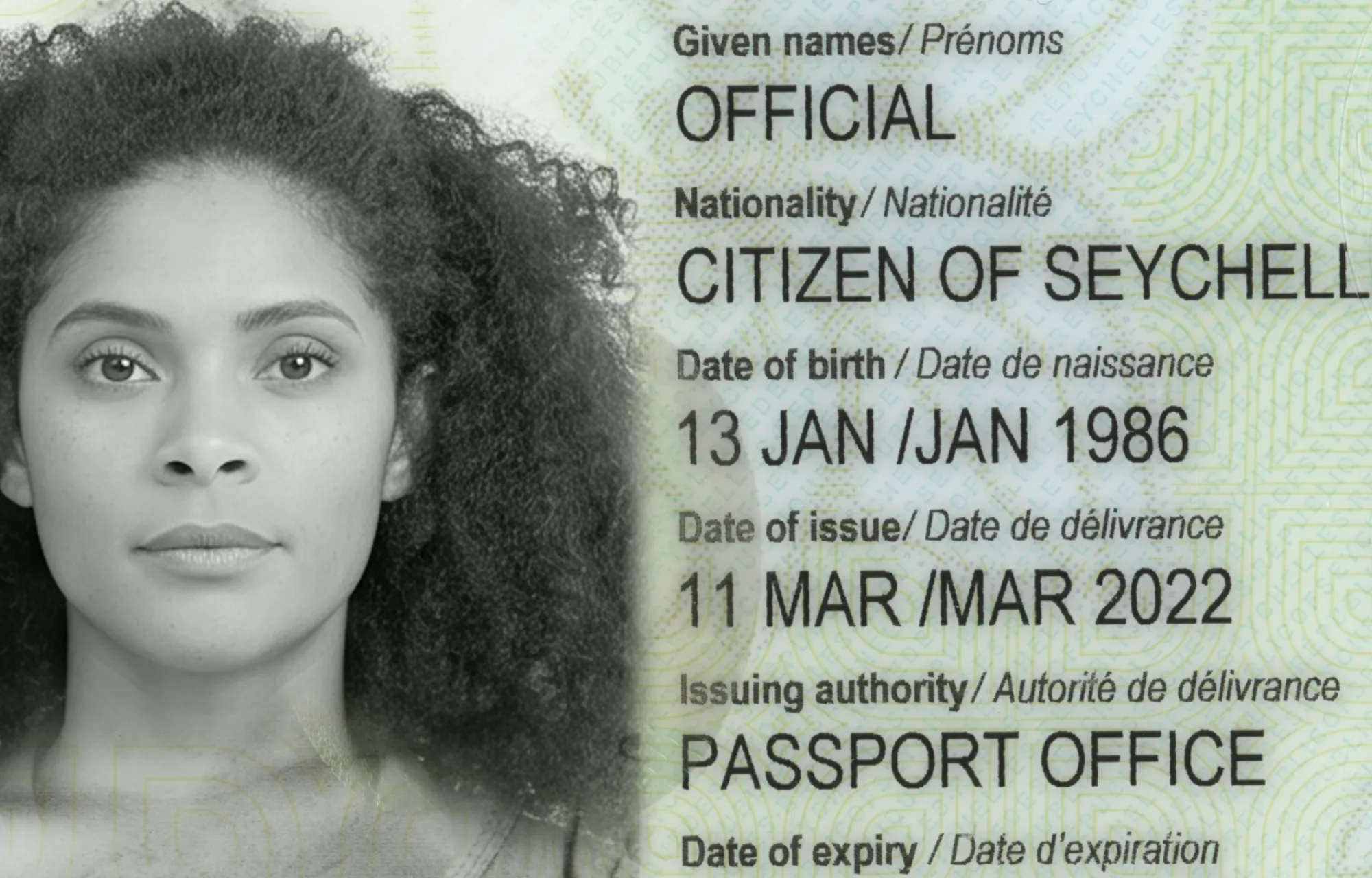
Face verification (1:1) checks whether two images show the same person — for example, a selfie versus a passport portrait. Face identification (1:N) searches a database to find who a person is, or to check whether they appear in a watchlist. Regula Face SDK supports both modes.
How does Regula Face SDK protect against deepfake attacks?
The liveness detection engine in Regula Face SDK is trained on a dataset that includes AI-generated and deepfake attack samples. It analyzes texture, micro-movement patterns, and reflection artifacts that are absent in synthetic faces. The model is updated continuously as new attack techniques emerge.
Does face liveness verification require users to perform any actions?
Not necessarily. Passive liveness works without gestures or additional instructions, the user simply looks at the camera. Active liveness asks the user to follow simple on-screen prompts when additional assurance is required.
How can Regula’s liveness detection SDK be integrated into an existing verification flow?
Regula Face SDK supports web and mobile applications and server-side integration. Liveness detection can be added as a standalone check or combined with face matching and other biometric checks, with cloud and on-premises deployment options available.