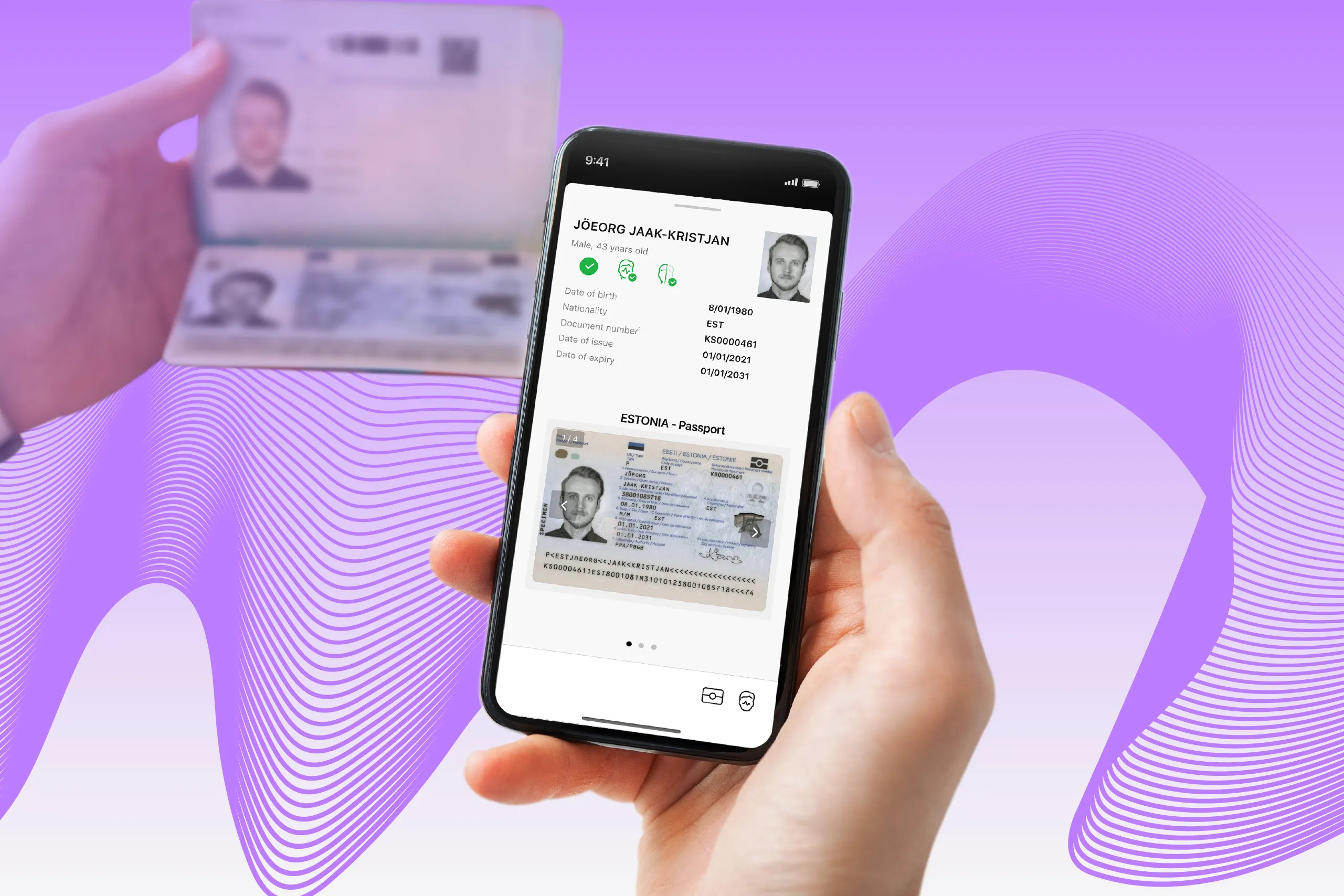

Reading an electronic passport with a smartphone can take seconds, but the time varies with the document, the phone, and the software.
For teams implementing NFC identity verification, this article explains what affects NFC reading speed, shows how reading settings change performance in Regula’s tests, and outlines what to test before launch.
In brief: Faster NFC reading depends on matching the software’s reading settings to the capabilities of the document chip and reader. Extended-length reading can reduce data transfer time where supported, while clear positioning guidance helps users maintain a connection.
At a glance: what affects NFC verification speed?
NFC verification speed depends on the reader, the software’s reading settings, the document’s chip, and the internet connection. During a session, the software establishes secure access to the chip, reads the required data, and performs authenticity checks. On smartphones, users also need to find the right position and hold the document steady while reading.
When assessing performance, it’s better to distinguish chip reading time from the time needed to complete the full verification flow. Measuring each stage separately helps identify where changes could make a difference.
How do NFC chip capabilities affect its reading time?
The chip sets limits on how quickly a document can be read. A higher data transfer rate can shorten reading time, but the reader must support that rate too.
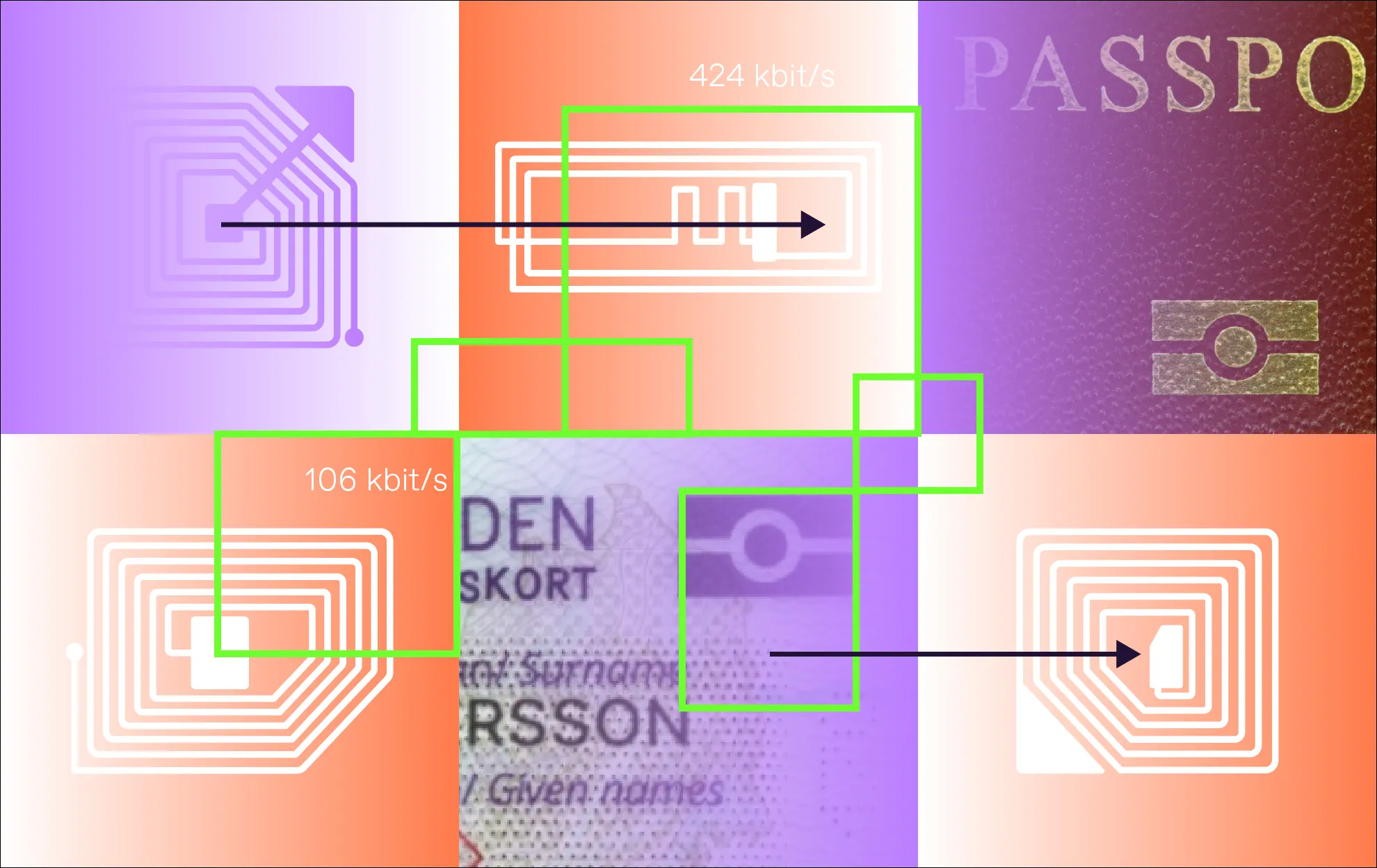
ISO/IEC standards and ICAO recommendations allow issuers to use chips with different data transfer rates. The mandatory rates are 106 and 424 kbit/s in both directions. Additional rates include:
-
212 kbit/s
-
848 kbit/s to 6.78 Mbit/s in both directions
-
10.17 to 27.12 Mbit/s from reader to chip
Higher transfer rates can reduce the time needed to retrieve data from the document.
Very High Bit Rates — a new generation of chips — what changes?
In 2012, ISO/IEC 14443 introduced support for Very High Bit Rates (VHBR). These chips support data transmission at up to 6.78 Mbit/s in both directions.
VHBR chips use the same modulation technique as slower ones, but their signal switches amplitude with every wave cycle. This requires high signal quality and precise performance from both the chip and the reader.
How do chip security protocols affect speed?
Secure chip communication takes processing time. The access protocol and the amount of data exchanged per request both affect how quickly a document can be read.
Two protocols used to establish secure access are Basic Access Control (BAC) and Password Authenticated Connection Establishment (PACE):
-
BAC uses symmetric keys. It derives encryption and message authentication keys from data in the document’s machine-readable zone (MRZ). Then it forms a string from MRZ data, runs it through a hashing algorithm, and splits the result into two keys: one for encryption and one for message authentication.
-
PACE relies on public-key (asymmetric) cryptography. It uses a shared password, such as MRZ data or a Card Access Number (CAN), along with elliptic curve cryptography to create a secure session key. This allows the chip and reader to establish an encrypted, mutually authenticated connection. PACE doesn’t require hashing, which makes the process more efficient and secure, especially when both the reader and chip support high-speed data transmission.
The type of cryptography used also affects reading time, especially when the chip stores large data groups, such as facial images and fingerprints. Stronger encryption usually means longer keys and more complex algorithms, which take more time to process.
During verification, each chunk of data must be individually encrypted before transmission. As the data is typically sent in 256-byte chunks, the chip has to encrypt each chunk separately, potentially hundreds of times. Since the chip is wirelessly powered by the antenna’s field, its processing capacity is limited, making encryption a time-consuming task.
Some chips support a feature called an extended length field. They can transfer larger blocks per exchange, reducing the number of requests needed, especially for large data groups with biometrics. For example, this is how it works with Regula Document Reader SDK:
Comparison of chip verification speed (DG-2 Holder's photo):
| Document | Transfer rate | Standard-length reading | Extended-length reading |
|---|---|---|---|
| Latvian ID card | 424 kbit/s | 4,644 ms | 1,947 ms |
| Latvian ID card | 848 kbit/s | 4,379 ms | 1,754 ms |
| Irish ID card | 424 kbit/s | 1,287 ms | 640 ms |
| Irish ID card | 848 kbit/s | 1,163 ms | 495 ms |
| US passport | 424 kbit/s | 1,138 ms | 897 ms |
| US passport | 848 kbit/s | 788 ms | 611 ms |
How does identity verification software affect NFC verification speed?
Given the wide range of chip technologies used in electronic IDs, terminals — specifically, the software they run — must handle a variety of chip verification scenarios. In this context, “terminal” refers to any ID scanning solution, whether it is a hardware device or a mobile application.
According to ICAO Doc 9303, if the size of the cryptographic objects, such as public keys and signatures, exceeds the standard limits, Application Protocol Data Units (APDUs) with extended-length fields must be used to send this data to the chip. In such cases, the chip must support this feature, and that support must be clearly indicated either in the Answer-To-Select/Answer-To-Reset messages or in the EF.ATR/INFO file.
Terminals, in turn, must support extended-length APDUs but can only do so after confirming the chip’s compatibility. This verification is done through the same data sources: ATR/ATS or EF.ATR/INFO.
But there’s a catch. Different identity verification systems have different settings. For example, if the chip doesn’t support extended-length reading but the system tries to use it, the process may fail. In some cases, the system may fall back to standard-length reading, which is slower and increases the total session time.
This issue is becoming less common as more electronic IDs are built to support extended-length reading. If your business processes documents from a specific country, you can test this behavior and configure the system for optimal performance.
Regula Document Reader SDK supports standard- and extended-length reading for mobile apps and hardware readers, allowing teams to work with different chip capabilities.
Why does NFC performance vary across smartphones?
While global standards set clear requirements for terminals, personal mobile devices fall outside that scope. ICAO’s Doc 9303 only briefly mentions that electronic IDs should be compatible with NFC-enabled smartphones.
Unlike standardized professional inspection systems, smartphones have a wide range of tech characteristics. For example, the antenna field of a certain smartphone may be too weak for a specific chip. As a result, NFC performance can vary significantly between devices.
There’s also an additional challenge for user experience: the location of the NFC module varies from phone to phone. This may slow down the process for first-time users, who may struggle to find the NFC reader.
For example, the NFC area on iPhones is located at the top center and can be tapped from either the front or the back of the phone. On most Android devices, the NFC module is usually on the back, so electronic documents must be tapped on the back side only.
So, if you need smooth, reliable reading on mobile devices, the identity verification app you use must be customized and configured to perform well under these specific conditions.
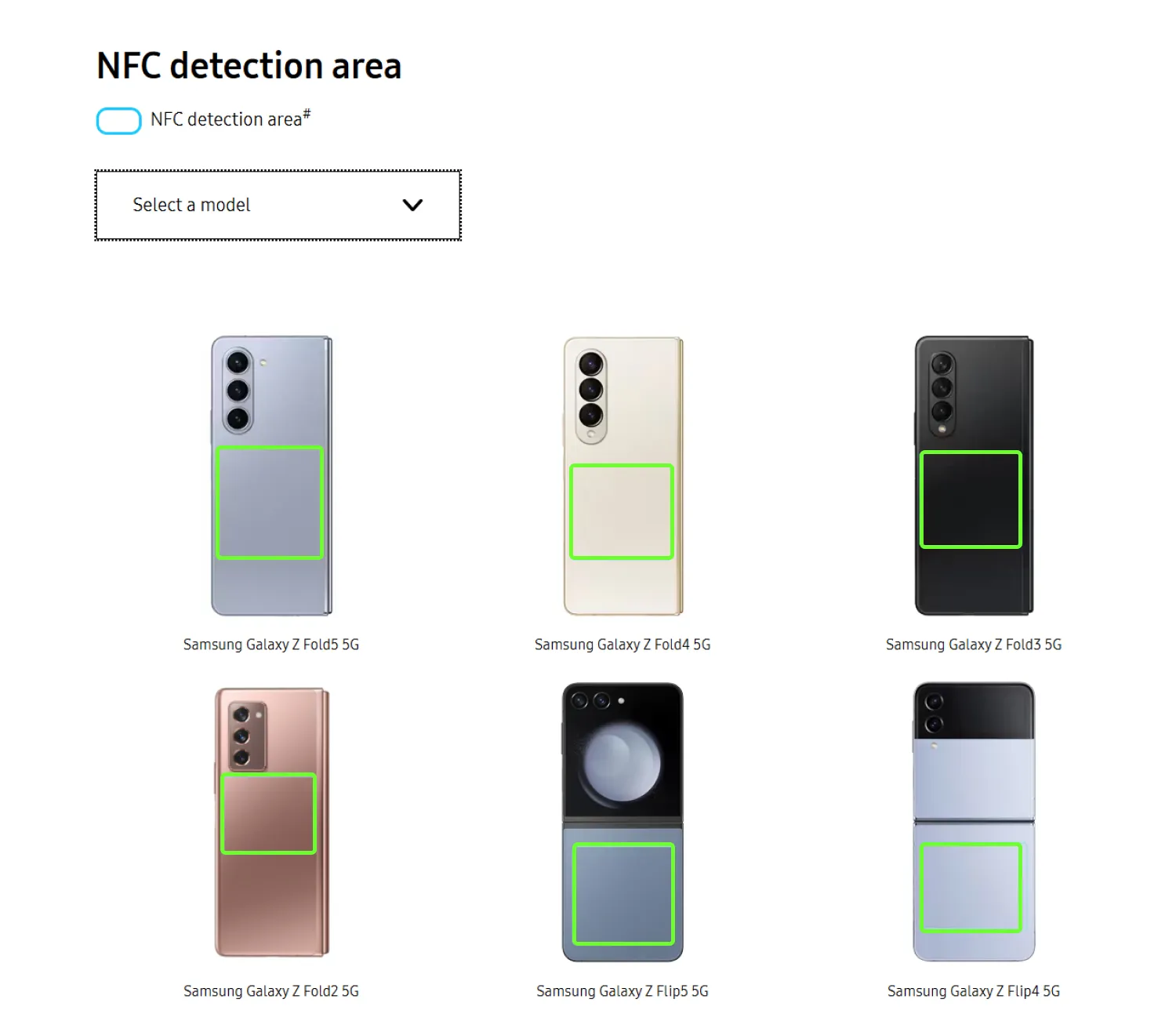
Some phone manufacturers offer visual guides to show where the NFC module is located on their devices.
How can teams test and improve NFC performance?
Testing documents with your intended devices and reading settings helps identify where NFC performance can improve. Before launch, focus on the combinations your customers are likely to use:
-
Compare standard- and extended-length reading where supported
-
Check how the software handles chips that do not support the selected reading mode
-
Test positioning instructions on phones with different antenna locations
-
Measure chip reading time separately from the full verification flow
Regula provides chip-processing guidance, with separate guidelines for iOS and Android to help teams configure Regula Document Reader SDK for mobile implementations. Server-side verification is also available for added security.
For enterprise customers, Regula NFC TestKit provides a set of electronic identity documents personalized with fictitious or customer-supplied data. Teams can use these documents to test their apps before rollout.
Improving NFC performance starts with understanding the limits of the document and device, then configuring the software accordingly. Contact Regula to discuss testing options for your NFC verification flow.