Language

Biometric verification

What Is Biometric Verification?

Biometric verification is the process of confirming a person’s identity by comparing a current biometric sample, such as a selfie or fingerprint scan, with a trusted reference collected earlier. The reference may come from a government-issued identity document or a previous enrollment. If the two samples meet the required similarity threshold, the person’s identity is verified.
Biometric verification typically uses a 1:1 comparison to answer the question, “Is this person who they claim to be?” It is often used during KYC and onboarding to link a person to a verified identity. Biometric MFA may use the same comparison technology, but at a later stage to authenticate a user who already has an account and an enrolled biometric reference.

Which Types of Biometrics Are Used for Biometric Verification?

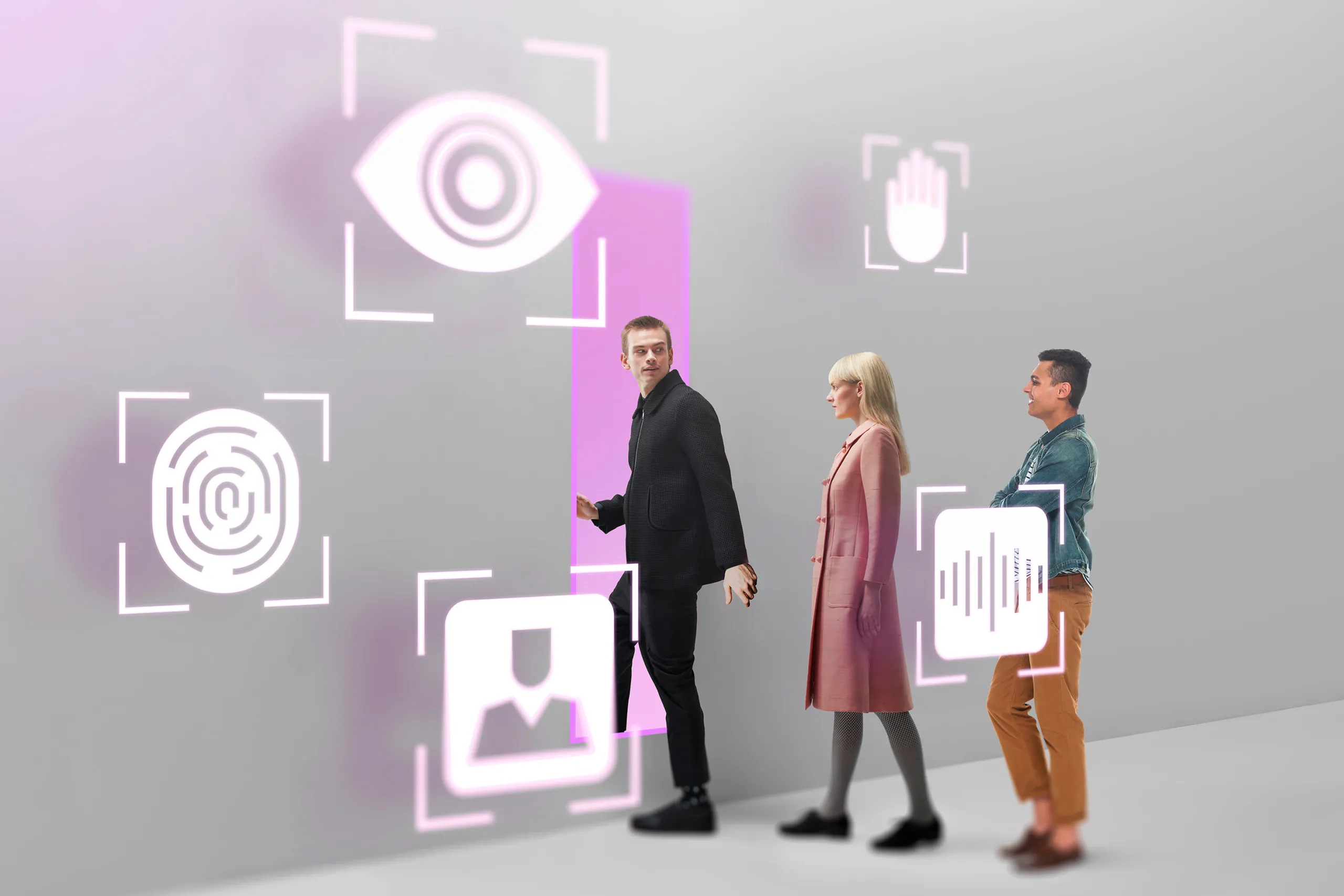
Biometric verification can use measurable physical or behavioral characteristics to compare a person with a trusted reference. These characteristics generally fall into two categories:
  • Physiological biometrics: face, fingerprints, iris pattern, vein pattern, etc.
  • Behavioral biometrics: voice, signature, typing rhythm, gait, etc.

How Does Facial Biometric Verification Work?

A remote face-based verification flow usually includes:
  • Face detection — locates a face in the captured image
  • Quality assessment — checks for blur, glare, poor lighting, and other issues that could affect the result
  • Liveness detection — checks whether a real person is present
  • Face matching — compares the current capture with a trusted reference and produces a similarity score
The trusted reference may be a portrait from a verified passport or identity card, a facial image extracted from an NFC/RFID chip, or a template created during enrollment. Face matching measures similarity, while liveness detection checks presence. Presentation attack detection addresses attempts involving physical or displayed artifacts, such as printed photos, masks, or replayed videos. Injection attacks, in which prerecorded or synthetic media is fed directly into the capture pipeline, require additional injection controls and a secure capture process.

Why Is Biometric Verification Combined with Document Checks?

Document verification assesses whether an identity document is genuine and checks the consistency of data from the visual zone, MRZ, and electronic chip. Biometric verification then confirms that the person completing the process matches the portrait in the verified document and, with liveness detection, is physically present.
The two checks address different risks. Document verification alone may not detect that someone is presenting another person’s genuine ID, while face matching without document authentication may link a user to a forged or altered document. Combining them provides stronger assurance during digital onboarding, document-based age verification, high-risk account recovery, and employee identity proofing.

How Can Regula Help with Biometric Verification?

For the biometric layer, Regula Face SDK compares the applicant’s live face with the portrait from the ID document or enrollment portrait using 1:1 matching and can run active or passive liveness checks during capture.
For the document layer, Regula Document Reader SDK reads and verifies identity documents, including portrait extraction, OCR of the visual zone, MRZ parsing, and NFC/RFID chip reading when the document supports it. The library covers more than 16,500 document templates from 254 countries and territories. Used together, the SDKs support a document-plus-biometric proofing package for remote identity verification.

FAQ

How does biometric verification differ from biometric identification?

Biometric verification performs a 1:1 comparison between a person’s biometric sample and a specific reference linked to their claimed identity. Biometric identification performs a 1:N search across multiple enrolled references to determine whether the person appears in a database. Verification therefore answers, “Is this the claimed person?”, while identification asks, “Who might this person be?” The 1:1 verification model is commonly used during identity verification and digital onboarding. 

Why does biometric verification need liveness detection?

Liveness detection helps confirm that the biometric sample comes from a real person who is present during verification. It reduces the risk of spoofing attempts involving photos, masks, or replayed videos. This makes biometric verification more reliable in remote identity checks.

What happens if document checks or biometrics are skipped?

Without biometric verification, the process may confirm that a document is genuine without proving that it belongs to the person presenting it. Without document verification, a successful face match may be based on an unverified or fraudulent reference image. Higher-risk onboarding often combines both checks because they address different types of fraud.

When does biometric verification use active or passive liveness?

Active liveness asks the user to complete an action, such as turning their head or following an on-screen prompt. Passive liveness analyzes the captured image or video without requiring an explicit action. A verification flow may use either method or combine both, depending on the risk level, user experience requirements, and expected types of attack.

How does biometric verification differ from biometric MFA?

During identity proofing, biometric verification often compares a selfie with the portrait on a government-issued document to establish a trusted reference. Biometric MFA uses a biometric comparison after enrollment, together with another authentication factor, to authenticate a returning user or approve a sensitive action. The main difference is purpose: biometric verification supports an identity claim, while biometric MFA protects access to an existing account.

On our website, we use cookies to collect technical information. In particular, we process the IP address of your location to personalize the content of the site

Cookie Policy rules