

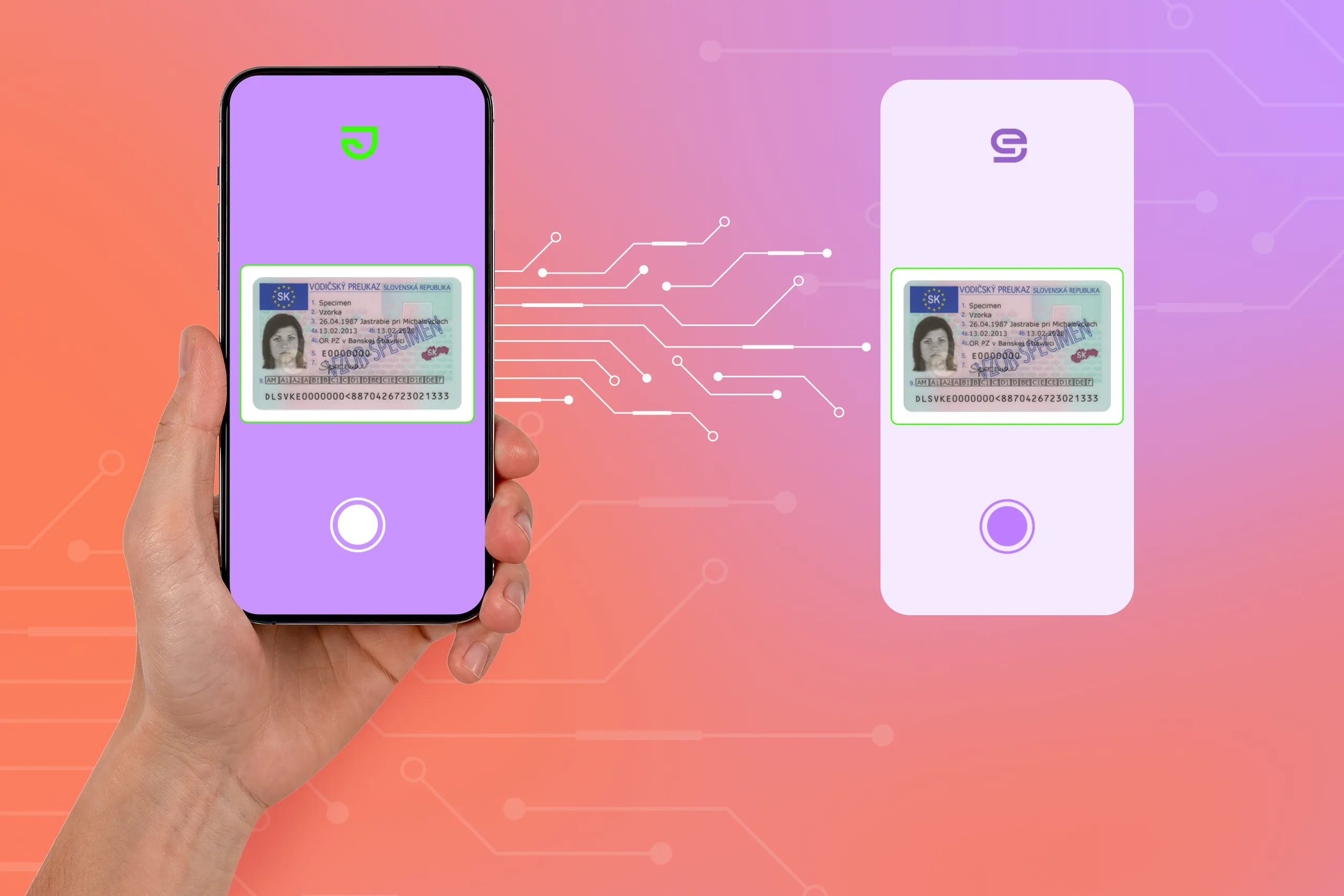
In brief: White-label identity verification covers the name and design a person sees, as well as the instructions and capture steps a vendor allows you to change. Deeper changes can affect how document and face evidence is collected, so they need to be checked against the verification methods in use.
The hosting model (who runs processing and handles submitted data) is an important decision to make, with SaaS and on-premise solutions having their pros and cons.
Putting your logo on someone else's identity verification technology is only the tip of the white-labelling iceberg. No less important are what instructions the user follows, whether your team can adapt the document and face capture steps to your needs, or where the submitted images go.
In this article, we’ll look at what white-labeling in identity verification covers, when deeper customization makes sense, and how SaaS and on-premise deployments affect the decision.
Subscribe to receive a bi-weekly blog digest from Regula
What is white-label identity verification?
White-label identity verification uses vendor technology in a check presented under another company’s brand. The provider might run a branded verification page, supply a capture component for the company’s app, or examine evidence collected through screens the company built. The amount of control depends on the product and the integration.
The same arrangement can also take place between two vendors. An identity verification provider may license document or biometric technology from another vendor and incorporate it into its own service.
For example, Regula offers flexible options for other vendors to embed Regula's identity verification into their existing solutions and technology stack. The vendor then sells the finished service to its business clients, who use it to verify their own customers.
Can an app hide the technology vendor entirely?
Code obfuscation can make proprietary technology harder to recognize when someone inspects the app. It cannot guarantee that the vendor will remain unidentified, and it does not change where verification data goes or what must be disclosed.
What can be white-labeled in identity verification?
The options vary by provider, and “customizable” can mean anything from changing one page to controlling much more of the check. These are the key areas to consider when reviewing the customer-facing experience:
-
Branding and provider attribution: Logos, colors, fonts, and the name shown on provider-controlled screens matching the company’s brand.
-
User interface: Verification screens, layouts, buttons, instructions, and other UI elements can be adapted to fit the product experience.
-
Content and localization: Instructions, help screens, status messages, and translations and error texts can use the company's own terminology and tone of voice. Some products allow changes throughout the check; others keep parts of the capture process or legal text fixed.
-
Document and face capture UI: The camera screen, document frame, visual guidance, and controls used to take an image or video. Changes here need closer review because the capture process can affect the evidence collected.
-
Completion screens and return to the service: The message shown after submission and the route back to the app or website. Depending on the integration, the provider, your own product, or both may control these screens.
-
Web and mobile experience: Identity verification can be embedded into an existing website or application so that users don't have to switch to a separately branded service.
For example, Regula Document Reader SDK’s mobile customization options include changes to text, colors, indicators, and other interface elements. For web document capture, Regula’s architecture supports built-in screens as well as a company-built interface.
When does white-label identity verification make sense?
White-labelling can serve its purpose very well in the following situations:
-
Verification is a regular part of your product: Customers may encounter identity checks at different points, from onboarding to document updates or account recovery. Consistent branding, terminology, and interactions make these repeated checks familiar and easier to navigate.
- The standard verification experience does not fit your service: Your product may need different instructions or a camera interface that its provider does not offer. Owning more of that interface gives your team room to change it, along with responsibility for maintaining capture quality.
-
You provide identity verification to other businesses: An identity verification or KYC provider may sell a service under its own name while licensing document or biometric technology from another vendor.
An identity verification provider can also be open with its business clients about whose technology it uses. For a smaller provider, naming an established supplier during procurement may help clients investigate the checks behind the service. That can sit alongside a verification experience branded for the provider; the supplier’s name is not evidence of performance by itself.
At the same time, a company that checks identity only occasionally may need less customization. If the vendor’s standard capture steps work for the chosen checks, basic branding may be enough without taking on a deeper redesign.
How does white-labeling differ between SaaS and on-premises solutions?
The person being verified can see much the same branded check in either model. Hosting determines who runs server-side processing; it does not, by itself, determine which logos, instructions, or capture steps a team can change. The comparison also needs to account for checks that run on a person’s device.
Where is the evidence processed?
With SaaS, the provider runs the verification service, so a company can start using it without deploying and maintaining the processing system. That may suit a smaller team or a business that needs to launch quickly. The capture screen may carry only your branding while the document or selfie is sent to the provider for processing.
A custom domain can make the handoff less visible to the customer, and an intermediary operated by your company can change the route seen by the app. Neither changes who ultimately processes the data.
Under the GDPR, the contractual arrangements and privacy information still need to reflect the actual processing, including relevant recipients or categories of recipients.
With an on-premises deployment, the organization runs verification on servers in its own facilities. A self-managed installation in its cloud can give it similar control over operations.
For a company with established infrastructure and security teams, keeping document and biometric processing in that environment may be much more practical and may avoid a vendor-operated processing step, depending on the configuration. The organization then takes responsibility for securing, updating, and keeping the system available.
How far can you change the capture process?
Both SaaS and on-premises products may let a company change branding, instructions, and parts of document or face capture. The extent depends on the product, the integration, the checks being used, and the vendor agreement.
This matters most when the aim is to keep the technology provider out of the customer-facing experience. For example, a face liveness prompt can still be easily recognizable to someone familiar with the provider’s product after its logo is removed. How much of that prompt can change depends partly on its role in collecting a valid liveness session.
Some integrations even allow a company to skip the vendor's capture and directly send ID image frames from your own capture to the SDK/API for processing, giving it much greater control over what appears on screen.
What does the control cost?
The price depends partly on how far the provider lets you customize the experience. Logo removal and editable wording may be included in the license or charged separately. Deeper changes to document or face capture may involve development work, and customizations can need attention when the software is updated.
SaaS usually leaves the operation of the processing system with the provider.
An on-premise installation brings infrastructure, security, updates, and support into the customer’s costs. But for a large company that already runs sensitive systems, that work may already fit well into existing teams and infrastructure. At the same time, keeping verification processing in its own environment can also be valuable in its own right.
So the comparison needs to cover the provider’s fees, the cost of customization, and the work involved in running the chosen setup over time.
Choosing a white-label identity verification setup
The appropriate level of white-labeling depends on what the business wants to control. Branding and wording may be enough when the supplied capture screens already work well.
Moreover, a company building its own document or face capture process gains more room to shape the experience and must also protect the quality of the evidence it collects. A self-managed, on-premise deployment gives the business more control over server-side processing than a SaaS solution — but also more responsibility for operating it.
As an on-premise solution, Regula offers a wide range of UI customization and branding options, including the ability to modify logos, colors, texts, indicators, and more, ensuring everything aligns perfectly with your brand identity.
The solutions provide flexibility in configuring document scanning and verification processes to fully meet your needs, covering the following requirements:
-
Technical customizability: Ability to choose the functionality required.
-
Experience customizability: Ability to change your UX.
-
UI customizability: Ability to reflect your brand.
Regula Document Reader SDK lets teams adjust the wording, colors, and visual cues in its mobile document capture component. Regula Face SDK offers customization for parts of face capture and liveness, with different options on web and mobile.
For the wider verification process, Regula IDV Platform brings document and biometric checks into configurable workflows and supports deployment on premises or in a cloud environment your organization manages.
If you’re weighing those choices, talk to Regula about the screens you need to control, the checks they must support, and where the evidence should be processed.